Give feedback form
The purpose of our platform's Give feedback form is to create a simple, reliable way for all of you to share feedback directly from the product with our Product team.
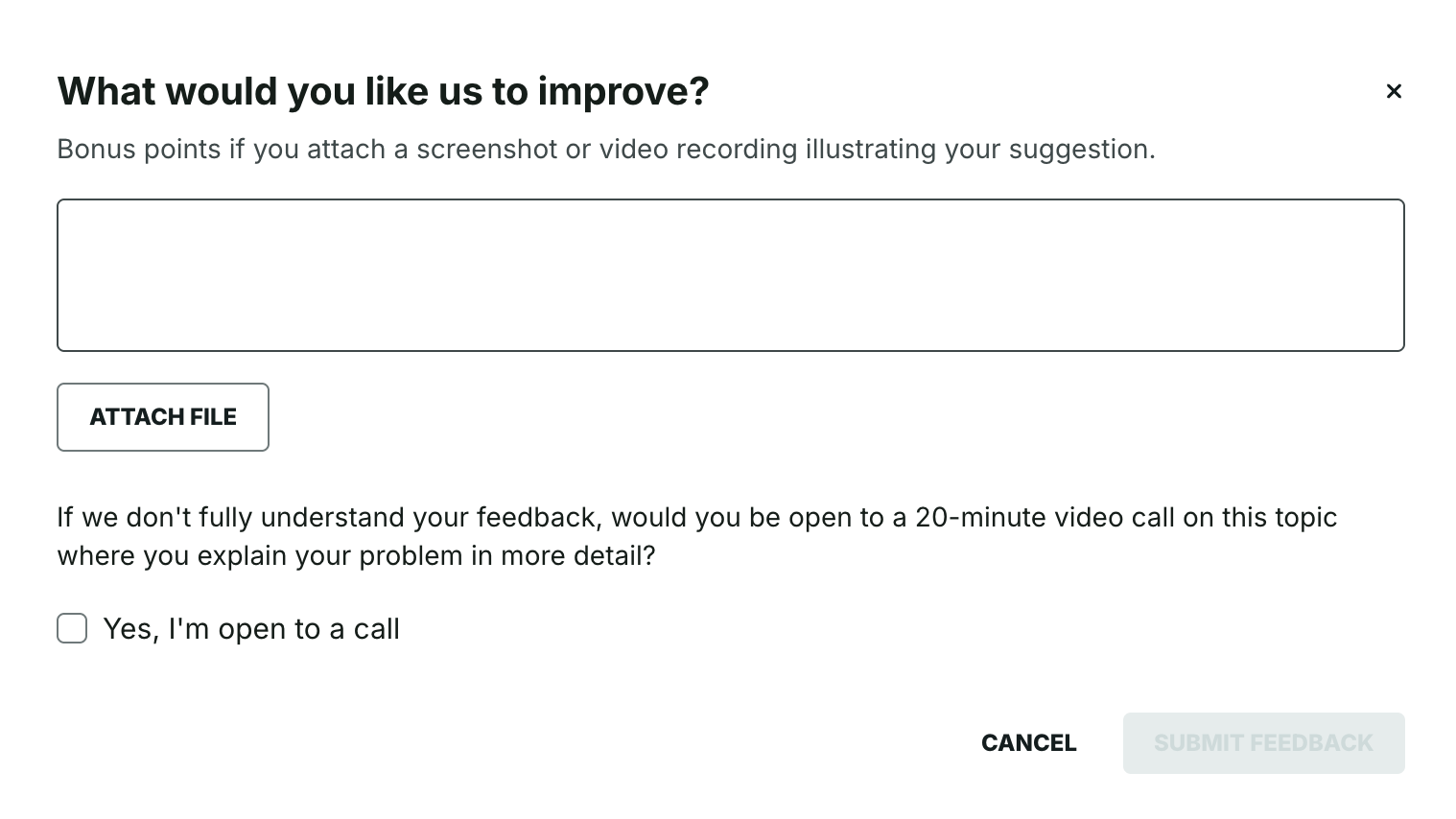
The Give feedback option appears within Collegial learning journeys that you have joined as a user, both on the journey overview and inside individual learning items (e.g., courses, live events, assessments). Note that the Give feedback button will appear in learning items that are part of a learning journey, regardless of how you navigate to said learning item. Clicking the Give feedback button opens a modal where you can:
Describe your feedback
Attach an image or video file that helps illustrate or support the feedback you've chosen to share
Indicate whether you're open to a follow-up video call
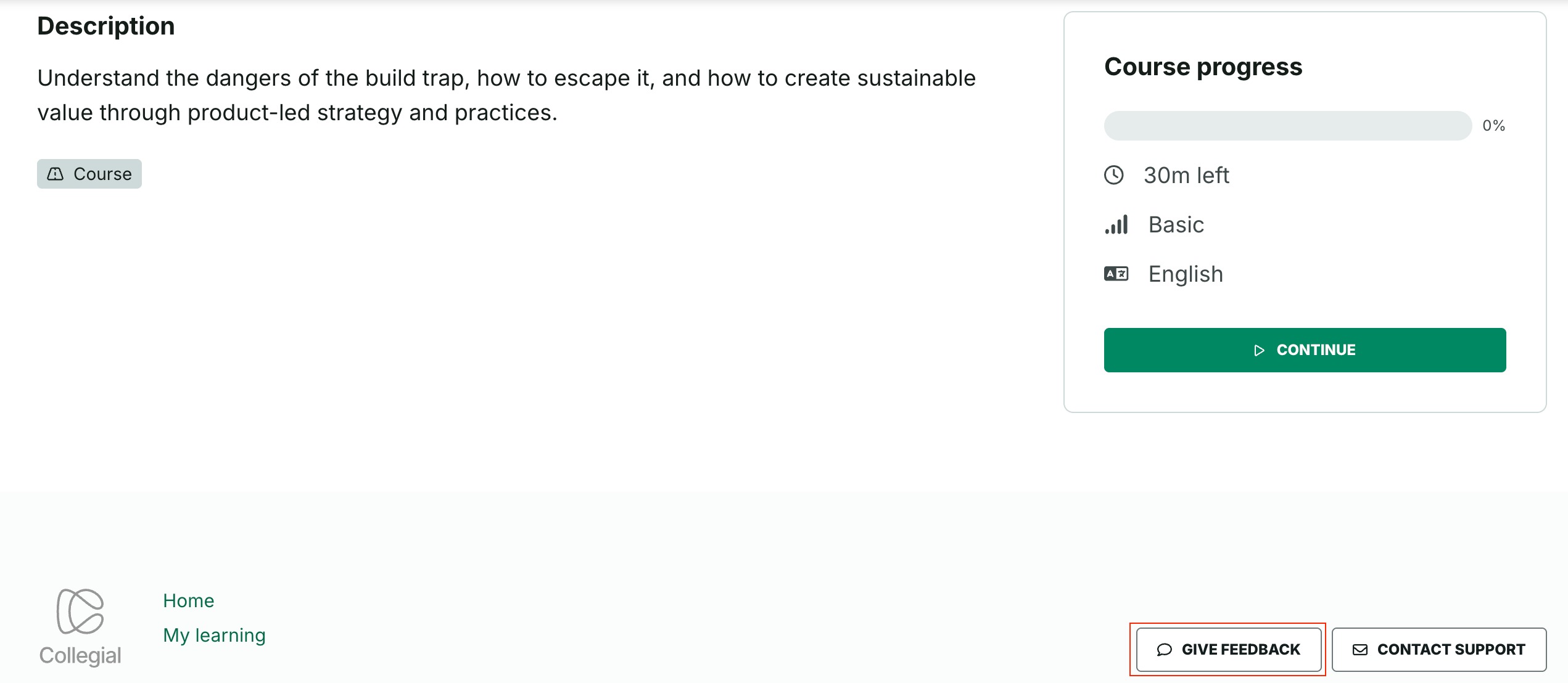
Please note that when it comes to the learning type Course, as the button appears in the page footer, the Give feedback button will only appear on Course start pages, as opposed to on the remaining course pages.
If the Product team needs clarification, one of our Product Managers may reply by email or suggest a video call if you've opted in for that once they've reviewed your feedback. Please note that feedback is reviewed on a first come, first serve basis.
Was this article helpful?
That’s Great!
Thank you for your feedback
Sorry! We couldn't be helpful
Thank you for your feedback
Feedback sent
We appreciate your effort and will try to fix the article